← Back to BaaWolf
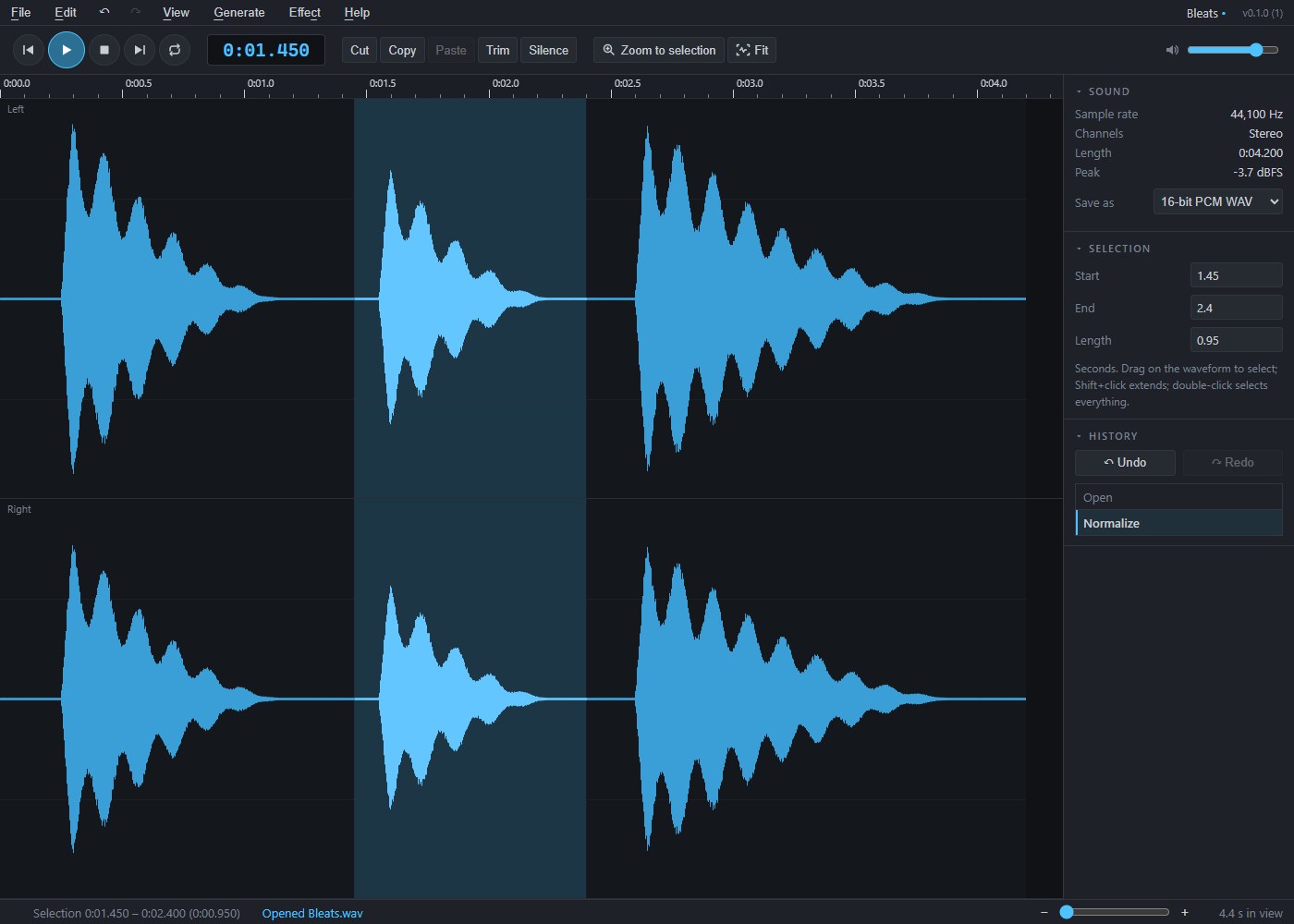
Ewe Sound with three sheep bleats in a stereo waveform, the middle one selected
Snip, fade, save.

Ewe Sound

Open a recording, see it as a waveform, and cut, copy, paste, fade, amplify or normalize just the part you select. Opens WAV, MP3, OGG, FLAC and M4A sounds and saves WAV files.

Protect your work: save regularly and keep separate backups. Read the data-loss disclaimer before downloading or installing.

Download for Windows

Windows 10 or 11, 64-bit · 1.6 MB · Version 0.1.0 (2)

Install Ewe Sound

Download and run the Windows installer, then open Ewe Sound from the Start menu.

Data safety and liability

Save your work regularly and keep separate, tested backup copies of sounds, documents, artwork, images and other files. Before installing, updating or uninstalling, save and close your work and back up important files. Check files after saving, importing or exporting before overwriting or deleting originals.

Software errors, crashes, interrupted saves and file conversions can cause work to be lost, corrupted or changed. BaaWolf does not guarantee error-free operation, preservation of every file or format, or recovery of lost work. Autosave and recovery features, where available, are not a substitute for independent backups.

BaaWolf and Gavin Wood are not responsible for data loss or corruption caused by events outside their reasonable control, or for loss that was not reasonably foreseeable when the software was supplied.

This notice does not exclude or limit liability for fraud, fraudulent misrepresentation, death or personal injury caused by negligence, failure to exercise reasonable care and skill where required by law, or any other liability that cannot lawfully be excluded or limited. Your statutory rights, including rights relating to defective digital content and damage to your files or device, are unaffected.