Ewe Paint
Brushes, layers, shapes, selections and effects for your pictures.
Ewe Paint 1.0.4
Get Ewe Paint separately
Three apps. One setup.
A little suite for creating. Paint a picture, write a story, edit a sound. Install Ewe Paint, Ewe Write and Ewe Sound together.
Download Ewe Suite for Windows
Brushes, layers, shapes, selections and effects for your pictures.
Ewe Paint 1.0.4
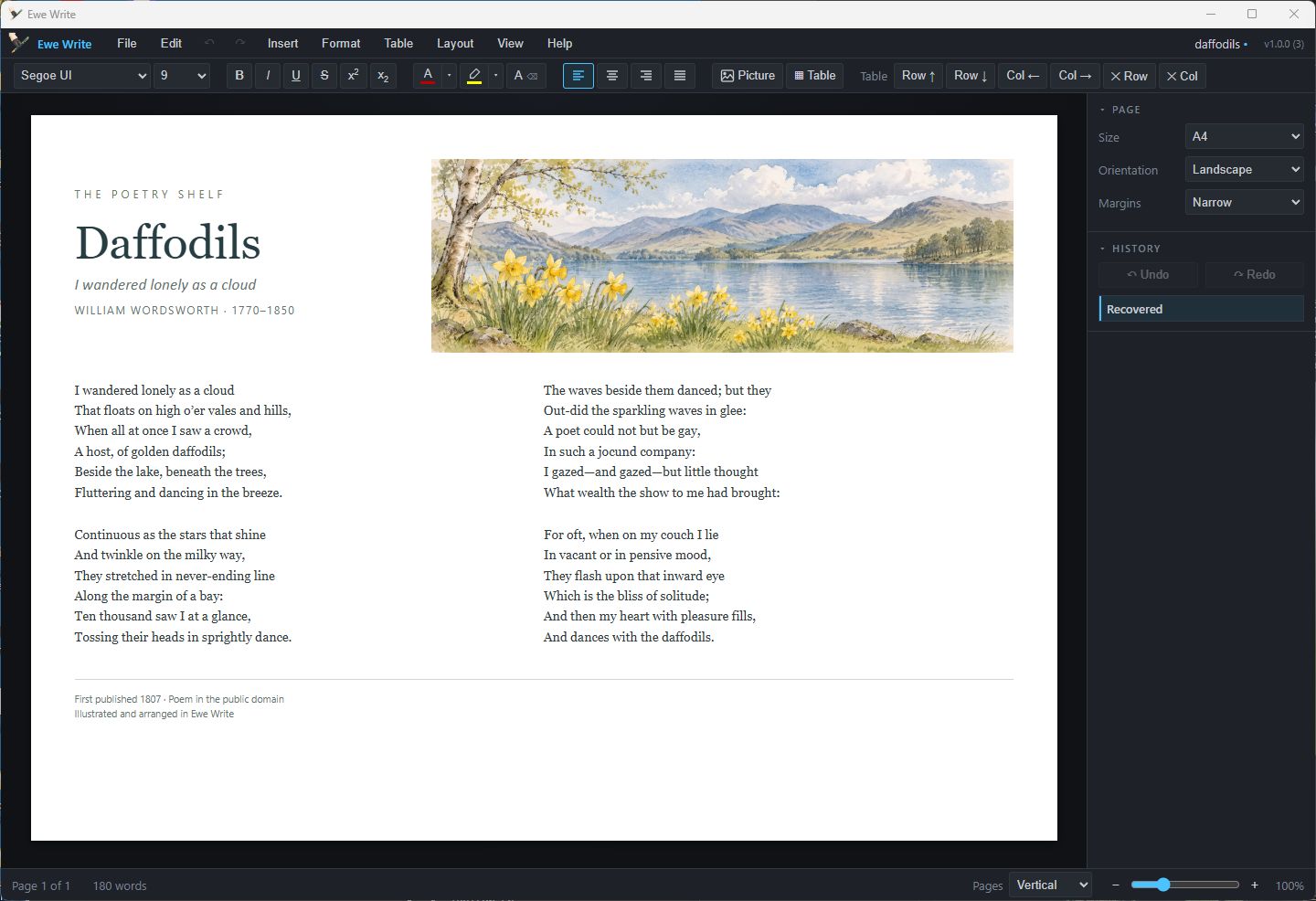
Get Ewe Paint separatelyA friendly word processor with real pages, tables and pictures.
Ewe Write 1.1.2
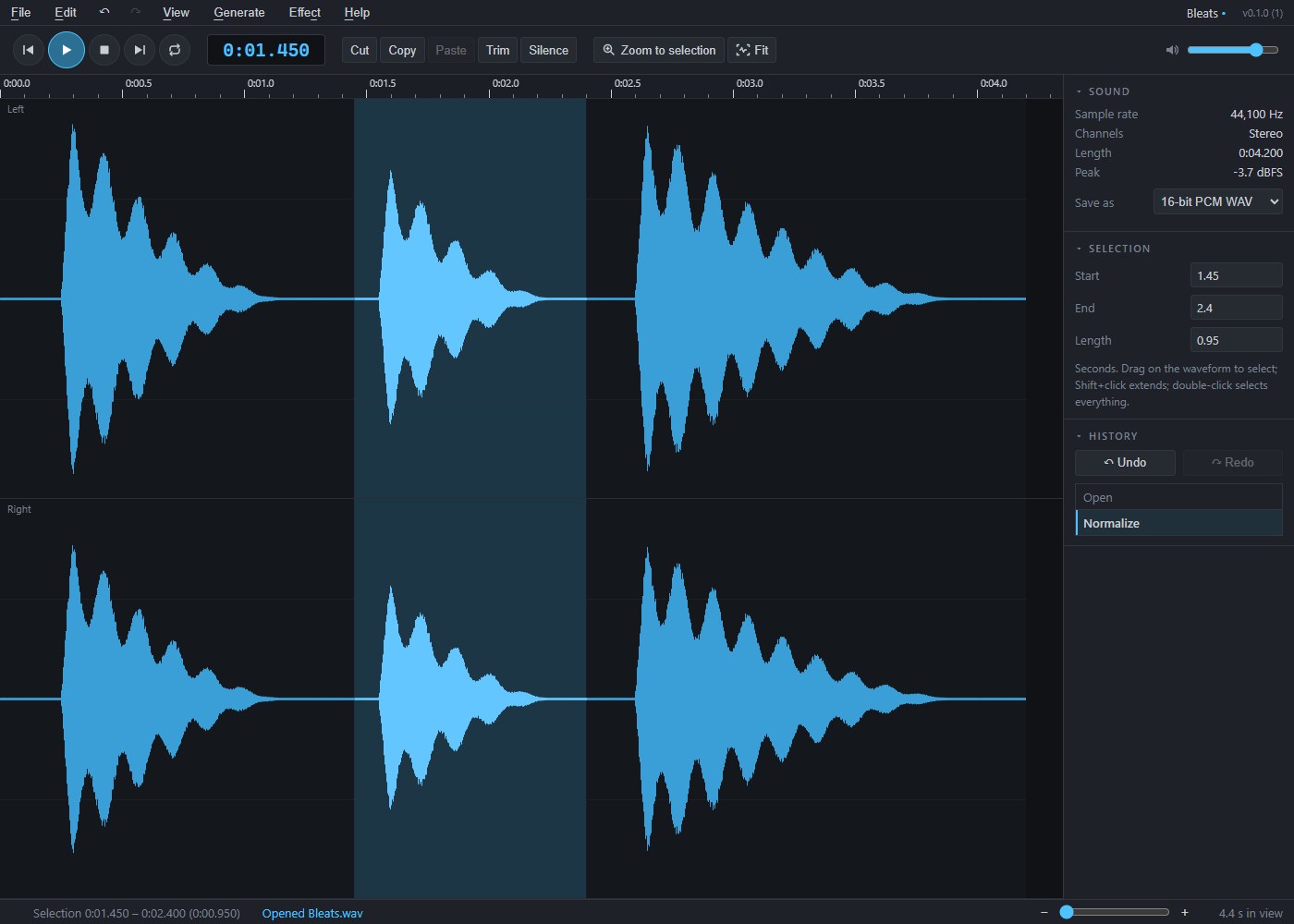
Get Ewe Write separatelyCut, join, fade and tidy recordings, then save your sounds as WAV files.
Ewe Sound 0.1.1
Get Ewe Sound separatelyAll three app installers are included. Internet access may be needed for Microsoft WebView2 if it is missing. Each app keeps its own updates and uninstaller in Windows Settings. Setup keeps newer versions already installed.
If an app fails to install, setup stops and tells you which one needs attention. Apps already installed stay available; fix the issue and run setup again.
Please read the data safety and liability notice before installing.
All three apps include the same MCP and CLI help standard, with commands for each editor. Read the shared setup guide.
Save your work regularly and keep separate, tested backup copies of sounds, documents, artwork, images and other files. Before installing, updating or uninstalling, save and close your work and back up important files. Check files after saving, importing or exporting before overwriting or deleting originals.
Software errors, crashes, interrupted saves and file conversions can cause work to be lost, corrupted or changed. BaaWolf does not guarantee error-free operation, preservation of every file or format, or recovery of lost work. Autosave and recovery features, where available, are not a substitute for independent backups.
BaaWolf is not responsible for data loss or corruption caused by events outside its reasonable control, or for loss that was not reasonably foreseeable when the software was supplied.
This notice does not exclude or limit liability for fraud, fraudulent misrepresentation, death or personal injury caused by negligence, failure to exercise reasonable care and skill where required by law, or any other liability that cannot lawfully be excluded or limited. Your statutory rights, including rights relating to defective digital content and damage to your files or device, are unaffected.